Skip to content
HowToFixMyPC – By DrtechCTO
  • Home
  • About
  • Contact Us
  • Free Tools
    • BSOD Checker
  • Downloads

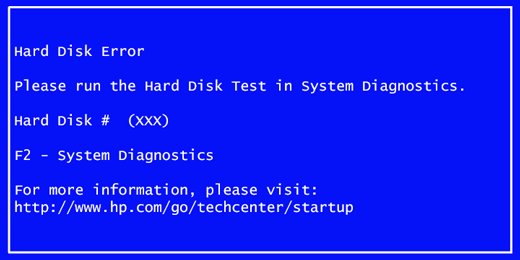
Hard Drive Failure Warning on Windows PC Can Be Fixed Before Data Loss
January 26, 2026
hard drive failure warning

Introduction Hard drive failure warning messages can be alarming, especially when they appear suddenly during startup or while working. Windows …
Read more

PC Freezed Out Issue on Windows PC Can Be Fixed Quickly

January 24, 2026
pc freezed out

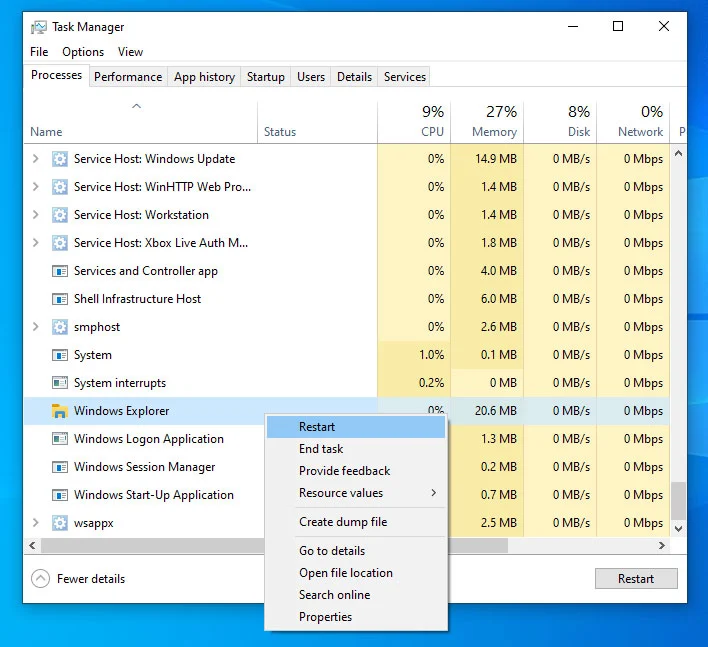
Introduction PC freezed out problems are one of the most frustrating issues Windows users face. Your screen stops responding, apps …
Read more

Speed Up Internet on Windows PC Using Simple Hidden Commands

January 23, 2026
speed up internet on windows pc

Introduction Speed up internet on Windows PC is a common need for users who face slow browsing, delayed downloads, or …
Read more

Install Windows 11 OS Easily After Windows 11 ISO Download

February 19, 2026January 22, 2026
install windows 11 os

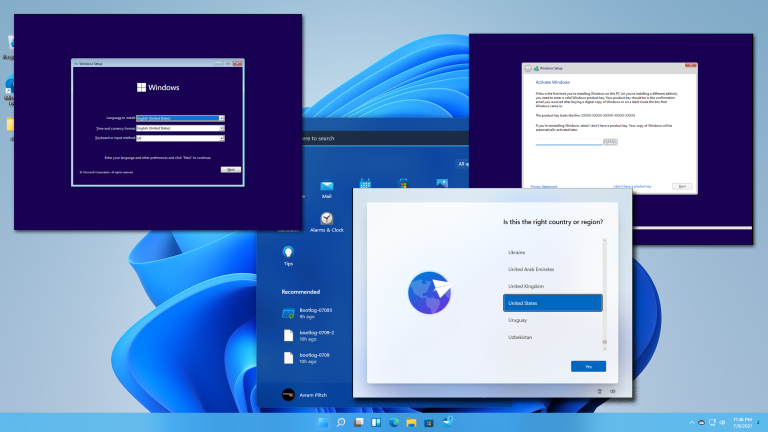
Introduction Install Windows 11 OS correctly is essential if you want a smooth, fast, and secure Windows experience. Many users …
Read more

Reset Administrator Password on Windows PC Without Login Issues

January 21, 2026January 21, 2026
Reset administrator password

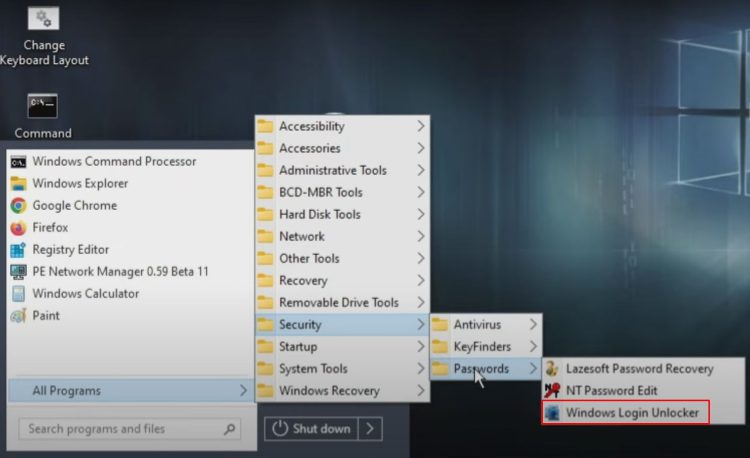
Introduction Reset administrator password is a situation many Windows users face at least once. Forgetting the administrator password can lock …
Read more

Enter BIOS Without Pressing Any Keys on Windows PC

January 20, 2026January 19, 2026
enter BIOS without pressing any keys

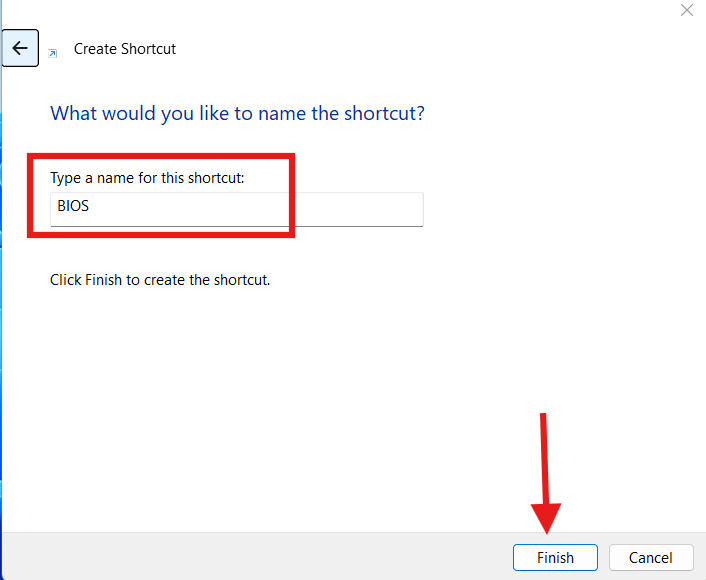
Introduction Enter BIOS without pressing any keys is something many Windows users want, especially when the traditional method just does …
Read more

Multi Boot Pendrive Makes OS Installation and Recovery Simple

January 14, 2026
multi boot pendrive

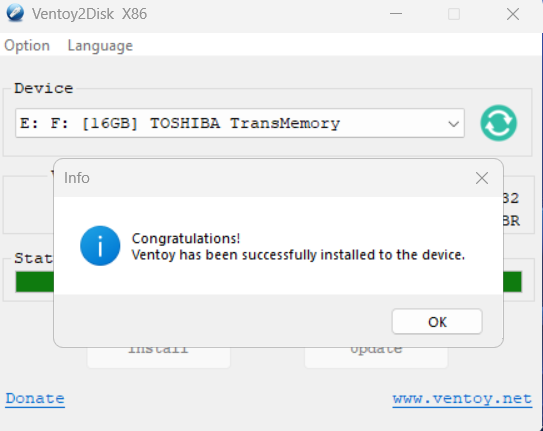
Introduction Multi boot pendrive is one of the most useful tools every Windows user, technician, or IT professional should have. …
Read more

How to Fix Hardware and Devices Issues on Windows 11

January 14, 2026
How to fix Hardware and Devices issues on Windows 11

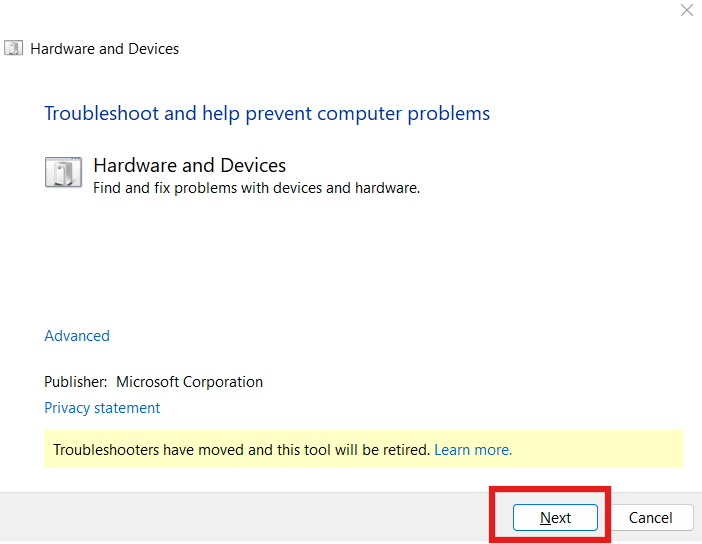
Introduction How to fix Hardware and Devices issues on Windows 11 is one of the most searched troubleshooting topics today, …

Read more

Make Taskbar Attractive on Windows PC for a Cleaner and Modern Look

January 12, 2026
make taskbar attractive

Introduction Make taskbar attractive is something many Windows users want, especially after seeing clean and modern desktop setups online. The …

Read more

Gaming Performance on Windows PC Improves with the Right Graphics Settings

January 10, 2026
gaming performance

Introduction Gaming performance is one of the most important concerns for PC gamers. Even systems with good hardware can struggle …

Read more

Older posts
Newer posts
← Previous Page1 Page2 Page3 Page4 … Page7 Next →

Tools Highlight

21 Windows PC Fixes Guide

Transparent Taskbar

Create Master Pendrive

Admin Password Reset

Free alternatives of MS office

Recent Posts

  • create restore point on windows PCCreate Restore Point on Windows PC to Protect Your System From Crashes
  • Powerful Command Prompt for C Drive Space Issues and How to Clean in 30 seconds
  • Windows command prompt reagentcWindows Command Prompt Reagentc and How It Helps You Fix Recovery Problems
  • Windows 11 Slow Boot ProblemWindows 11 Slow Boot Problem and How to Fix It Without Reinstalling
  • How to check PC performance scoreHow to Check PC Performance Score and Know If Your System Is Slow or Powerful

DrtechCTO is India’s trusted PC troubleshooting expert, helping 20,000+ users fix Windows errors, speed up computers, and learn smart tech shortcuts.

Follow Us on Social Media

Daily PC tips • Windows fixes • Speed-boost hacks
Let’s connect and keep your computer running like new!

DISCLAIMER

Howtofixmypc.com does not provide professional, technical, legal, or hardware repair advice.
All PC tips, troubleshooting guides, Windows fixes, and optimization methods shared here are for educational purposes only.

  • Terms of Service
  • Privacy Policy
  • Disclaimer
  • Contact Us
© 2026 HowToFixMyPC – By DrtechCTO • Built with GeneratePress