Introduction
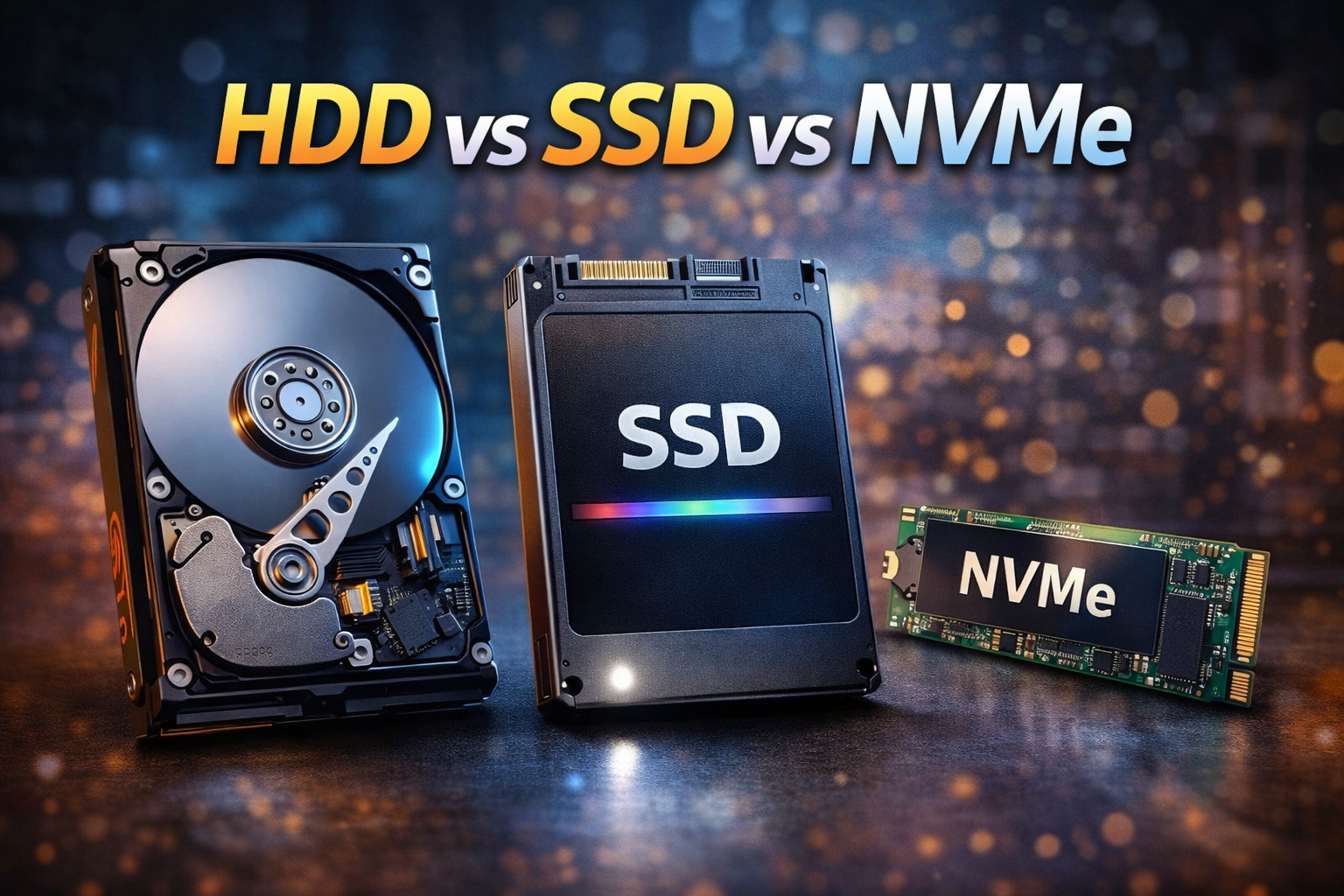
Difference between HDD vs SSD vs NVMe is one of the most searched topics by users upgrading or buying a new computer. Storage plays a huge role in system speed, boot time, file transfer performance, and overall user experience. Many people still use traditional hard drives without realizing how much performance they are losing.
Understanding the difference between HDD vs SSD vs NVMe helps you choose the right storage based on speed, budget, and usage. In this guide, you will get a clear, beginner-friendly explanation of how these storage types work, their advantages, disadvantages, and which one is best for your needs.
Table of Contents
What Is Storage and Why It Matters
Storage is where your operating system, software, and files are stored. The type of storage you use directly affects:
- Windows boot time
- App loading speed
- File copy and transfer speed
- Gaming performance
- System responsiveness
That is why understanding the difference between HDD vs SSD vs NVMe is essential before upgrading your PC or laptop.
Difference Between HDD vs SSD vs NVMe Overview
The main difference between HDD vs SSD vs NVMe lies in technology, speed, and connection method.
- HDD uses mechanical parts
- SSD uses flash memory
- NVMe uses high-speed PCIe interface
Each generation improves performance and efficiency.
What Is HDD
HDD stands for Hard Disk Drive. It is the oldest storage technology still in use today.
How HDD Works
HDD stores data on spinning magnetic disks with a moving read/write head.
Advantages of HDD
- Low cost
- High storage capacity
- Widely available
Disadvantages of HDD
- Very slow compared to SSD and NVMe
- Mechanical failure risk
- Noisy and power-hungry

HDDs are now mainly used for data storage, not for operating systems.
What Is SSD
SSD stands for Solid State Drive. It uses flash memory instead of moving parts.
How SSD Works
SSD stores data electronically, allowing instant access.
Advantages of SSD
- Much faster than HDD
- Silent operation
- Lower power consumption
- Better durability
Disadvantages of SSD
- More expensive than HDD
- Limited write cycles compared to HDD
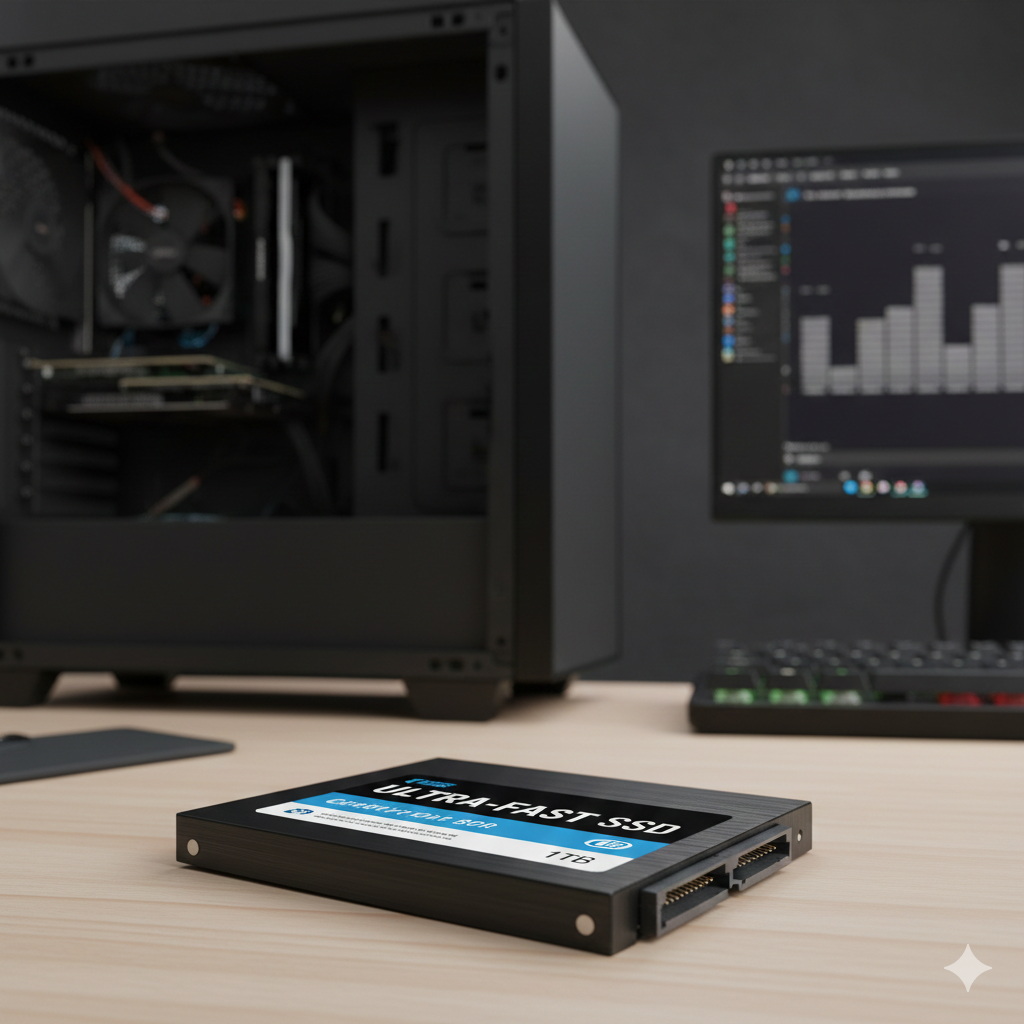
SSD is a major upgrade over HDD for most users.
What Is NVMe
NVMe stands for Non-Volatile Memory Express. It is the fastest storage technology currently used in consumer PCs.
How NVMe Works
NVMe SSDs connect directly to the motherboard via PCIe lanes, bypassing traditional SATA limitations.
Advantages of NVMe
- Extremely high speed
- Best for gaming, editing, and multitasking
- Lowest latency
- Compact M.2 form factor
Disadvantages of NVMe
- Higher cost
- Requires motherboard support
- Generates more heat
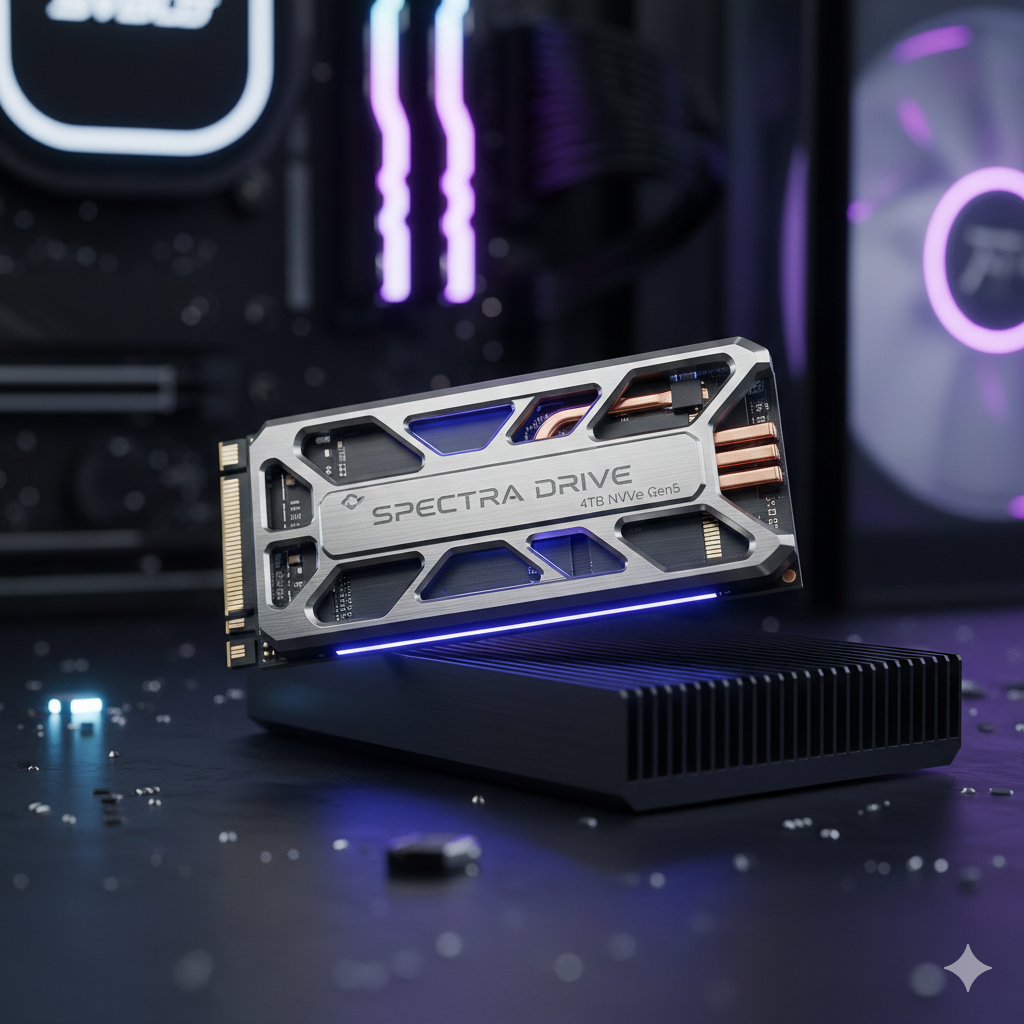
NVMe represents the highest performance tier in the difference between HDD vs SSD vs NVMe.
Speed Comparison: HDD vs SSD vs NVMe
Here is a simple speed comparison:
- HDD: 80–160 MB/s
- SSD (SATA): 500–550 MB/s
- NVMe SSD: 2000–7000 MB/s
This speed gap explains why systems feel dramatically faster when upgraded from HDD to SSD or NVMe.
Performance Comparison in Real Life
In daily usage, the difference between HDD vs SSD vs NVMe is very noticeable.
Boot Time
- HDD: 1–2 minutes
- SSD: 10–20 seconds
- NVMe: 5–10 seconds
App Loading
- HDD: Slow
- SSD: Fast
- NVMe: Instant
File Transfers
- HDD: Very slow
- SSD: Smooth
- NVMe: Extremely fast
Lifespan and Reliability Comparison
- HDD: Prone to mechanical failure
- SSD: More reliable, no moving parts
- NVMe: Most reliable with proper cooling
While HDDs can last long, SSDs and NVMe drives are safer against physical shock.
Power Consumption and Heat
- HDD consumes more power and generates heat
- SSD consumes less power
- NVMe consumes more power under load but remains efficient
For laptops, SSD or NVMe is always recommended.
Price Comparison
Price also plays a role in the difference between HDD vs SSD vs NVMe.
- HDD: Cheapest per GB
- SSD: Mid-range price
- NVMe: Most expensive
However, prices of NVMe drives are dropping steadily.
Which Storage Should You Choose
Choose based on your needs:
- Budget users: HDD + SSD combo
- General users: SSD
- Gamers and creators: NVMe
- Laptops: SSD or NVMe only
For best experience, install Windows on SSD or NVMe.
Internal PC Upgrade Guides
Internal link suggestion:
How to Upgrade Laptop HDD to SSD
Internal link suggestion:
Best Ways to Speed Up Windows PC
External Storage Resources
DoFollow external resources:
These sites provide expert storage benchmarks and guides.
Final Thoughts
Understanding the difference between HDD vs SSD vs NVMe helps you make smarter upgrade decisions. HDDs are affordable but slow, SSDs offer excellent everyday performance, and NVMe delivers unmatched speed for demanding tasks.
If performance matters to you, moving away from HDD is the single best upgrade you can make. Choose SSD or NVMe based on your budget and system compatibility.
FAQs
What is the main difference between HDD vs SSD vs NVMe
The main difference is speed and technology, with NVMe being the fastest.
Is NVMe better than SSD
Yes. NVMe is significantly faster than SATA SSD.
Can I use HDD and SSD together
Yes. Many PCs use SSD for Windows and HDD for storage.
Does NVMe improve gaming performance
Yes. NVMe reduces load times and improves game responsiveness.
Which storage is best for old PCs
SSD is the best upgrade for older systems.
You can this too
Laptop Not Turning On but Power Light Is On Can Be Fixed at Home
Essential Windows 11 Commands for Error Fixing That Actually Work
